
 Tower, Iris Bay - Office 1705 - Al Mustaqbal St - Business Bay - Dubai

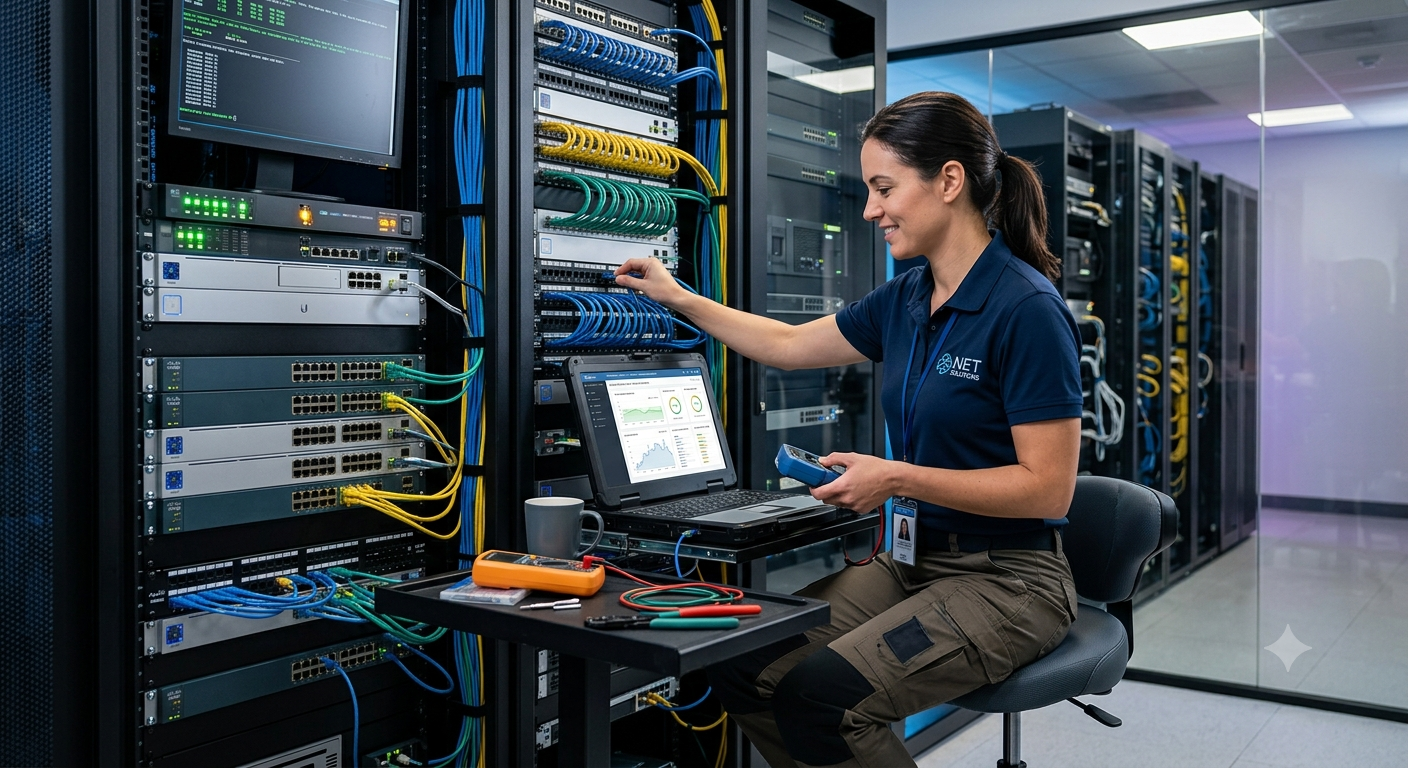
Introduction to Modern Networking
In the contemporary digital landscape, a robust, secure, and scalable network infrastructure serves as the fundamental backbone of any successful business operation. From small retail storefronts to sprawling enterprise complexes, the seamless flow of data underpins daily productivity, customer communication, and overarching financial transactions. Setting up a network correctly from the outset minimizes future operational friction, reduces administrative overhead, and hardens an organization’s defense posture against cyber threats. Conversely, a poorly planned network leads to intermittent downtime, sluggish application performance, and vulnerabilities that malicious actors can exploit. This comprehensive guide, curated by the engineering team at Dar Al Montazah Technical Services LLC, explores the critical phases of network setup and the structured methodologies required to diagnose and resolve network anomalies effectively.
Phase 1: Designing the Network Architecture
Before unboxing a single piece of hardware, a definitive network blueprint must be constructed. Network architecture design demands a precise understanding of current business requirements alongside anticipated future growth. The design phase dictates how data packets travel across the organization, which physical locations require physical cabling, and where wireless signal coverage must be concentrated.
Assessing Hardware and Infrastructure Requirements
Every reliable network infrastructure depends on selecting appropriate enterprise-grade hardware components. The foundational building blocks include:
-
-
Routers: The gateway devices responsible for directing data packets across different networks and connecting the local intranet to the global internet.
-
Network Switches: The central distribution hubs that facilitate internal communication between local devices like computers, printers, and network-attached storage (NAS) units. Managed switches are heavily preferred over unmanaged variations due to their capacity for configuration, traffic prioritization, and remote monitoring.
-
Wireless Access Points (WAPs): Hardwired transceivers that extend the physical local network into high-speed wireless zones, accommodating mobile computing assets and guest devices.
-
Cabling Standards: Implementing the correct copper or fiber-optic media is critical. Currently, Category 6 (Cat6) or Category 6A (Cat6A) copper cabling represents the baseline standard for local runs up to 100 meters, supporting speeds up to 10 Gbps and mitigating electromagnetic interference.
-
Phase 2: IP Addressing Schemas and Subnetting
Once physical components are allocated, engineers must organize the logical landscape of the network. An IP addressing schema defines how devices are recognized and reached within the corporate perimeter. Utilizing Private IP spaces defined by RFC 1918 (such as the 10.0.0.0/8, 172.16.0.0/12, or 192.168.0.0/16 blocks) prevents internal structures from conflicting with public internet addresses.
Subnetting is the practice of dividing a single large network into smaller, isolated sub-networks. This separation optimizes bandwidth consumption by confining broadcast domains and significantly enhances security. For example, a standard configuration developed by Dar Al Montazah Technical Services LLC isolates core infrastructure, employee workstations, Internet of Things (IoT) hardware, and guest Wi-Fi networks into distinct subnets. This multi-layered separation ensures that a security compromise on a guest device cannot easily transition laterally into sensitive accounting or database storage networks.
Phase 3: Core Configurations and Security Deployment
Deploying a network involves provisioning core software services that automate and safeguard connection flows. The two primary foundational services are DHCP and DNS.
Dynamic Host Configuration Protocol (DHCP) automates the assignment of IP addresses, subnet masks, default gateways, and DNS servers to end-user devices as they join the network. Managing IP distributions through a central DHCP server eliminates manual address assignment errors, such as duplicate IP conflicts. Meanwhile, the Domain Name System (DNS) translates human-readable domain names into machine-readable IP addresses. Optimizing DNS architecture involves configuring localized caching servers to speed up internal queries while routing outbound lookups through highly secure, filtered public resolvers.
Security protocols must be deeply integrated into the initial configuration phase. Firewalls represent the outer shield, enforcing Access Control Lists (ACLs) to inspect incoming and outgoing traffic based on stateful criteria. For wireless deployments, utilizing robust enterprise encryption models such as WPA3 Enterprise, paired with 802.1X authentication, guarantees that only verified users with company-approved credentials or certificates can hook onto the physical infrastructure.
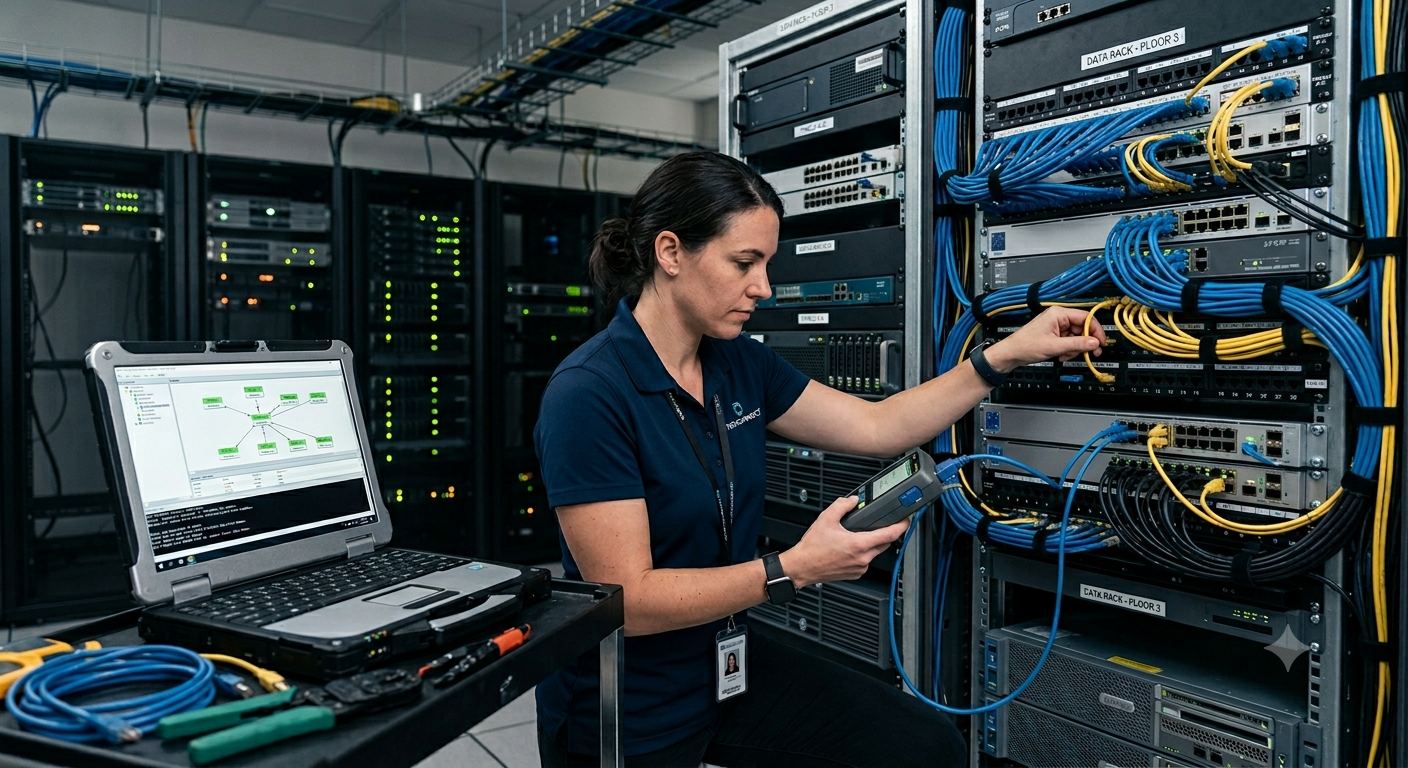
Troubleshooting Methodologies and Essential Tools
Phase 4: Structured Network Troubleshooting
Even the most perfectly architected networks experience operational disruptions due to hardware deterioration, software bugs, configuration drift, or external provider outages. When a network link drops or experiences severe performance degradation, utilizing a systematic troubleshooting methodology prevents chaotic, ad-hoc guessing and rapidly isolates the root cause. Technicians at Dar Al Montazah Technical Services LLC lean heavily on the Open Systems Interconnection (OSI) reference model, navigating either from Layer 1 (Physical) upwards or from Layer 7 (Application) downwards to establish a clear diagnosis.
The Bottom-Up Troubleshooting Strategy
A bottom-up approach verifies physical connectivity before investigating complex logical structures. The diagnostic flow follows these essential layers:
-
Layer 1 (Physical Layer Problems): The vast majority of localized network problems stem from damaged cables, loose RJ45 connectors, unplugged power supplies, or broken fiber strands. Checking physical LED link lights on switches and using hardware cable certifiers can rule out layer one failure modes instantly.
-
Layer 2 & 3 (Data Link and Network Layers): If physical links are solid, engineers test local link addressing and routing paths. This stage checks for improper VLAN assignments on switch ports, interface flapping, incorrect subnet mask typing, or corrupted routing tables inside core gateways.
-
Layer 4 through 7 (Transport to Application Layers): When basic routing works but specific software systems fail, the issue shifts to higher layers. Problems here typically involve blocked TCP/UDP ports on a corporate firewall, expired security certificates, or misconfigured web and database application profiles.
Phase 5: The Command-Line Network Diagnostic Suite
To pinpoint failures across these layers efficiently, network administrators utilize a core set of command-line interface utilities natively embedded across modern operating systems:
-
Ping: Utilizing Internet Control Message Protocol (ICMP) Echo Requests, ping verifies fundamental end-to-end network layer connectivity. It identifies whether a target system is online and measures packet round-trip time, helping flag severe latency issues.
-
Traceroute / Tracert: This tool charts the exact path a packet travels from source to destination, listing every intermediary hop (router interface) along the way. If a packet drops mid-transit, traceroute highlights exactly which autonomous system or internal router is failing.
-
Ipconfig / Ifconfig / IP Addr: These commands display the current network configuration details of a local endpoint. Technicians inspect this data to ensure the client machine has received a valid IP address from the DHCP pool rather than falling back onto an Automatic Private IP Addressing (APIPA) address (169.254.X.X), which indicates a complete DHCP communication failure.
-
Nslookup / Dig: Essential utilities designed exclusively to audit DNS functionality. If a user can ping an external IP address (e.g., 8.8.8.8) but cannot load website URLs, running a query via nslookup validates whether the primary DNS nameserver is responsive and returning correct resolution records.
Phase 6: Proactive Long-Term Network Maintenance
Resolving outages reactively is only half the battle. Proactive maintenance preserves operational integrity over multi-year cycles. This involves deploying centralized network monitoring systems using protocols like SNMP (Simple Network Management Protocol) to track CPU loads, interface bandwidth consumption, and error rates across all managed hardware. Setting up real-time alerting systems guarantees that internal IT teams are notified the moment an interface begins exhibiting high packet loss, allowing remediation before the issue cascades into a localized outage.
Furthermore, standard procedures must mandate automated configuration backups and consistent firmware lifecycle tracking. Routine updates protect systems against newly discovered software bugs and patch critical security exposures that surface in legacy firmware branches.
Conclusion
Building an immaculate network infrastructure requires a careful blend of methodical engineering, logical structural discipline, and strict security deployment. When anomalies inevitably surface, adhering to structured diagnostic frameworks ensures that business operations resume with minimal operational delay. For complex corporate infrastructure projects, system modernization, or deep-tier diagnostic support, partnering with specialized enterprise engineers ensures your business communication stays continuous, highly optimized, and heavily fortified. For elite enterprise infrastructure solutions, explore the specialized technical services offered directly by Dar Al Montazah Technical Services LLC to keep your organization running at peak efficiency.